Finance calendar + mileage tracker

Your money and your miles. One app.

See every bill, card payment and installment ahead of time — and let your iPhone log every business mile for you. Built for 1099 contractors, gig drivers and field technicians.

No bank loginNo adsWorks offlinePrivate iCloud sync
Money

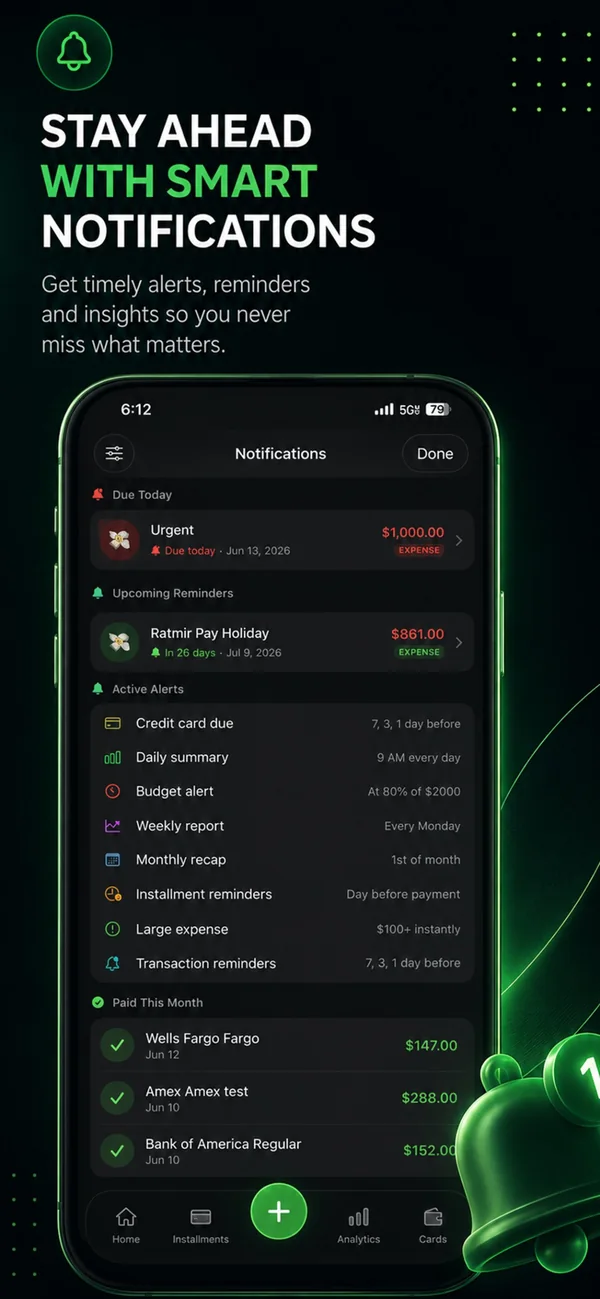
Every payment, before it happens

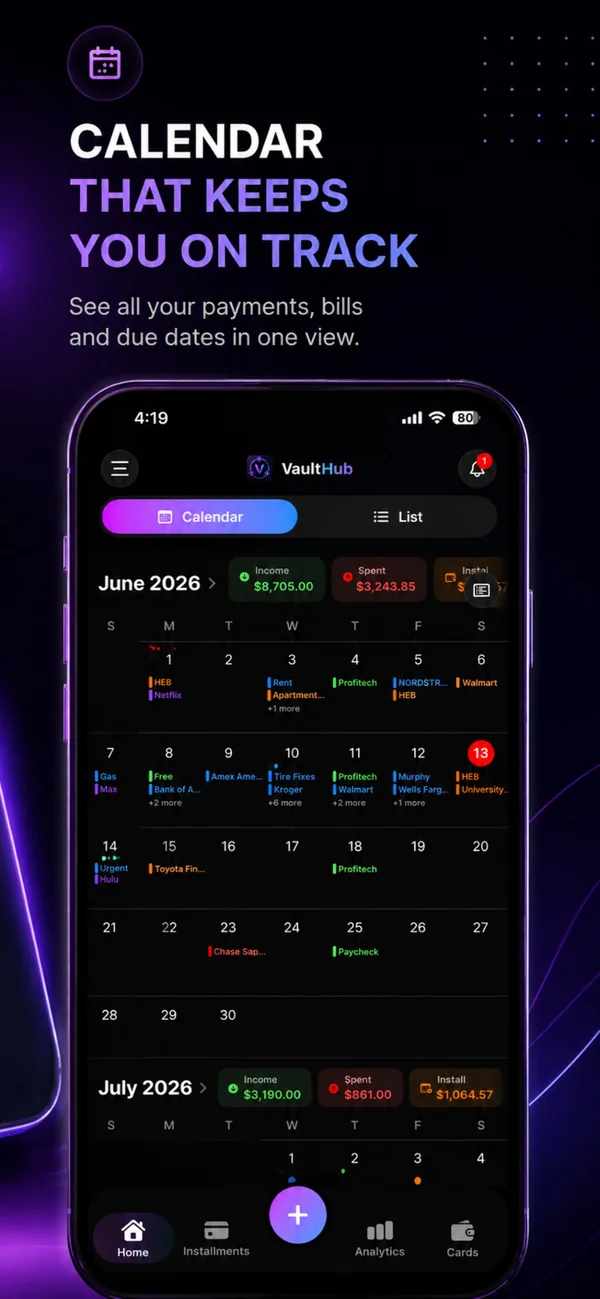
A calendar that shows what's due, what's paid and what's coming — across cards, loans, rent, BNPL and subscriptions.

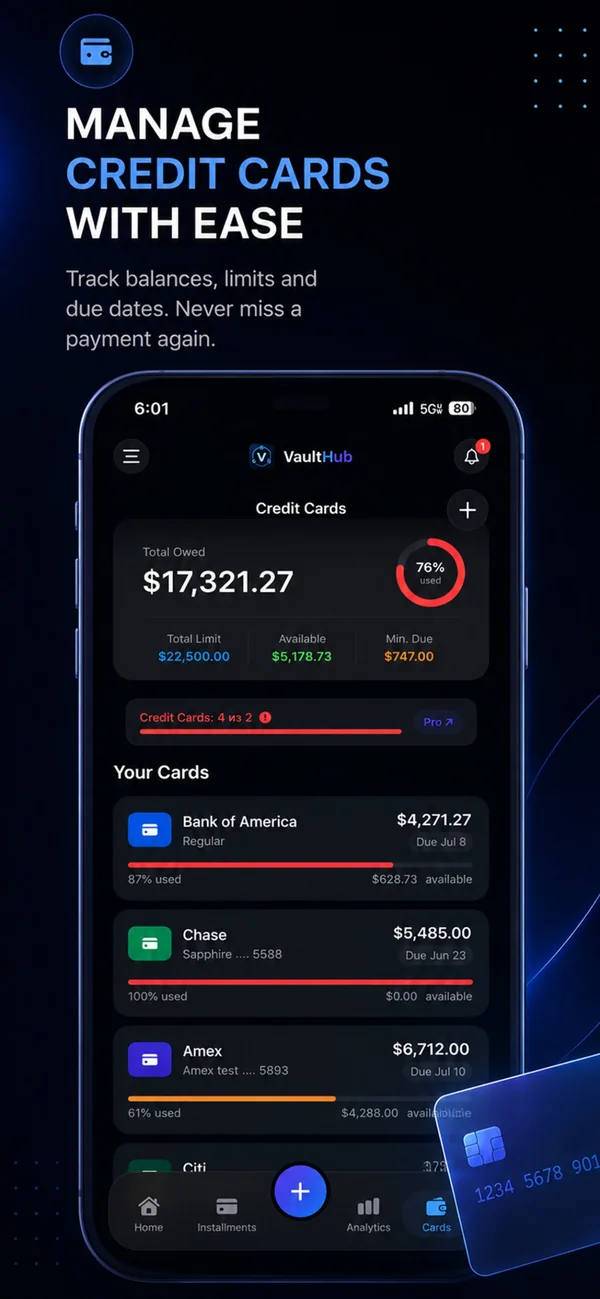
  • Credit card due dates and minimum payments
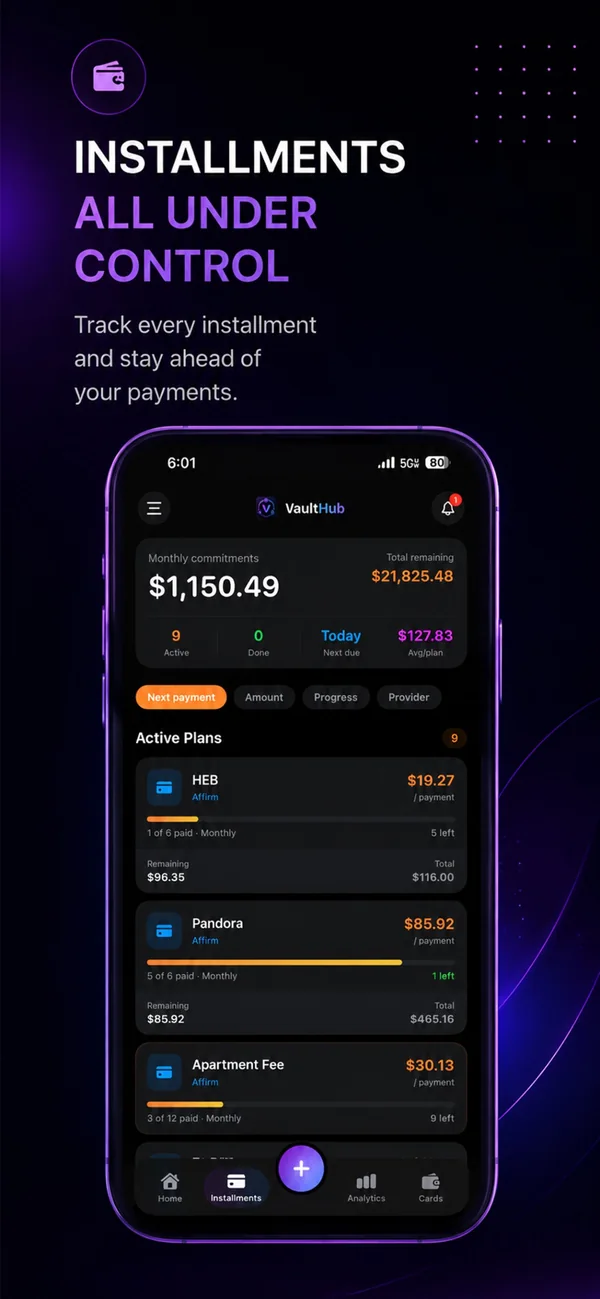
  • Installments (Affirm, Klarna, Afterpay) and loans
  • Rent and leases, including split payments
  • Subscriptions, budgets and spending analytics
Miles

Every business mile, logged for you

Turn on auto-detect once. VaultHub notices when you drive, maps the route and adds up your IRS deduction.

  • Automatic trip detection with GPS route maps
  • One tap to mark Business or Personal
  • 2026 IRS rates applied by trip date
  • CSV and PDF reports for tax time
Mileage tracker

Stop rebuilding your mileage log in April

Business driving is one of the biggest deductions for self-employed drivers — and the easiest one to lose without a log. VaultHub keeps it for you while you work.

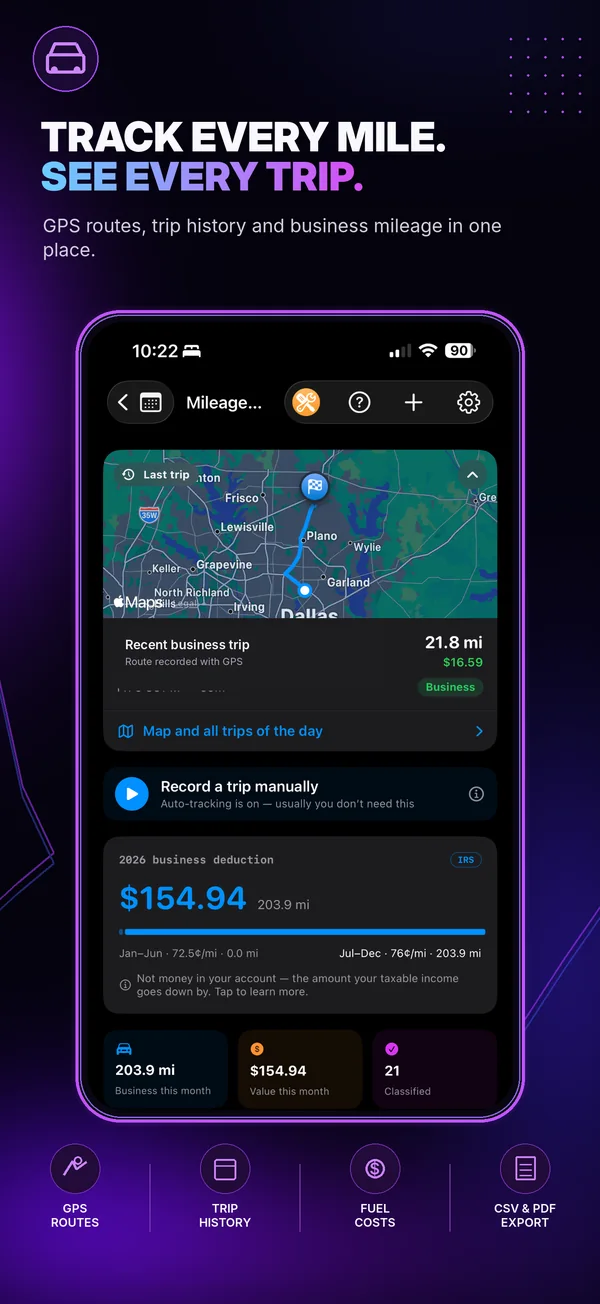
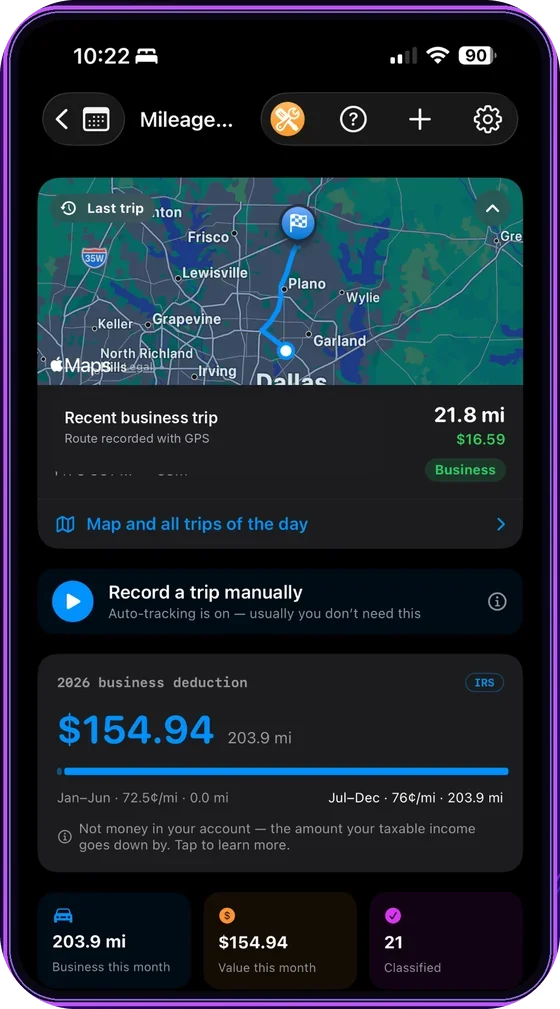
VaultHub last trip card with a GPS route map from Plano to Dallas, 21.8 miles marked Business

Trips record themselves

VaultHub uses your iPhone's motion sensors to notice when a drive starts, records the route with GPS, and closes the trip when you park. No buttons to remember between jobs.

  • Route map for every trip, start and end address
  • Live trip card and Live Activity while you drive
  • Smart stop detection — traffic lights don't end a trip
  • Manual start/stop if you prefer
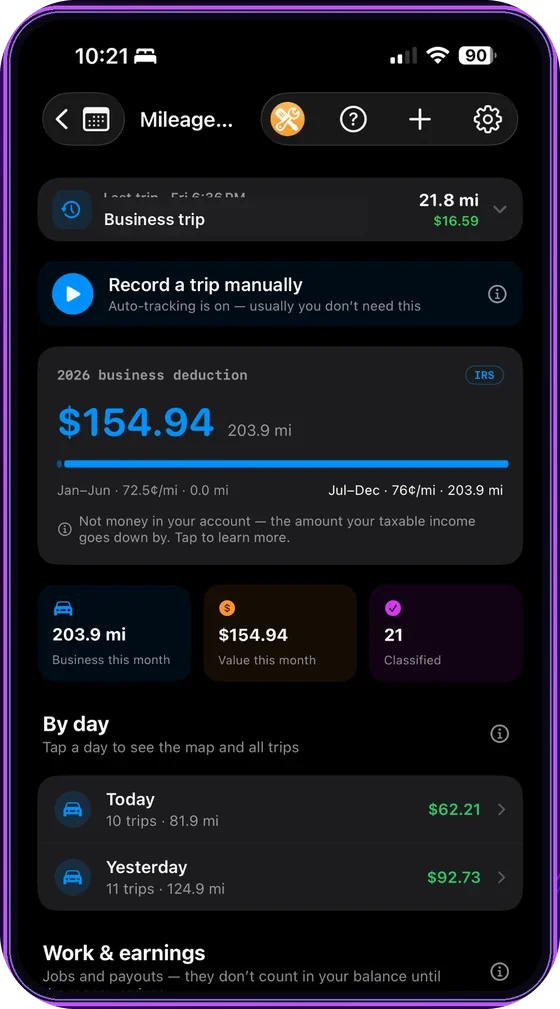
2026 business deduction card showing $154.94 for 203.9 miles with January–June and July–December IRS rates

See your deduction grow

Mark a trip as Business and VaultHub values it at the IRS standard mileage rate for that date — 72.5¢ for January–June 2026 and 76¢ from July 1.

  • Year-to-date deduction, miles and classified trips
  • Daily totals: trips, miles and value
  • Fuel costs and multiple vehicles
  • Export CSV or a PDF report for your accountant
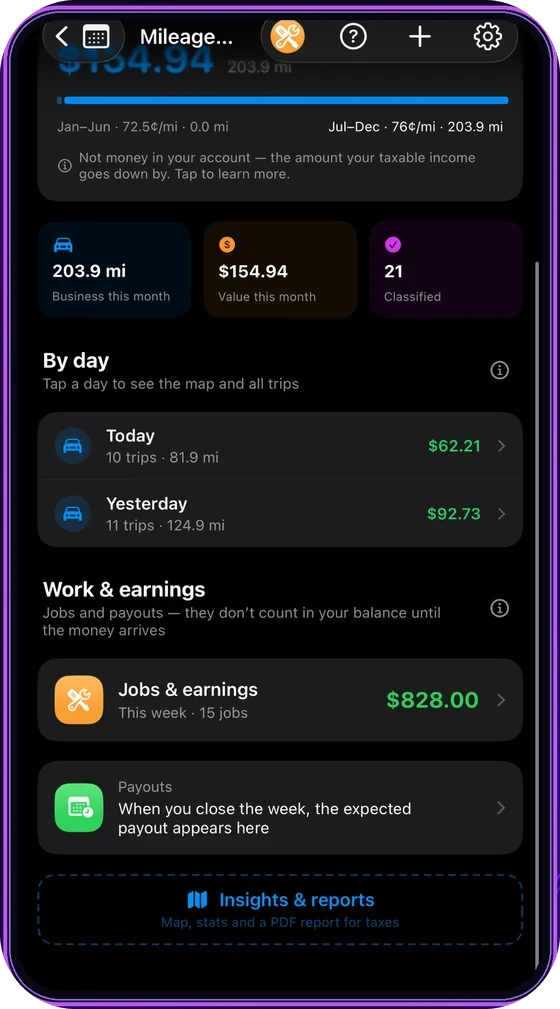
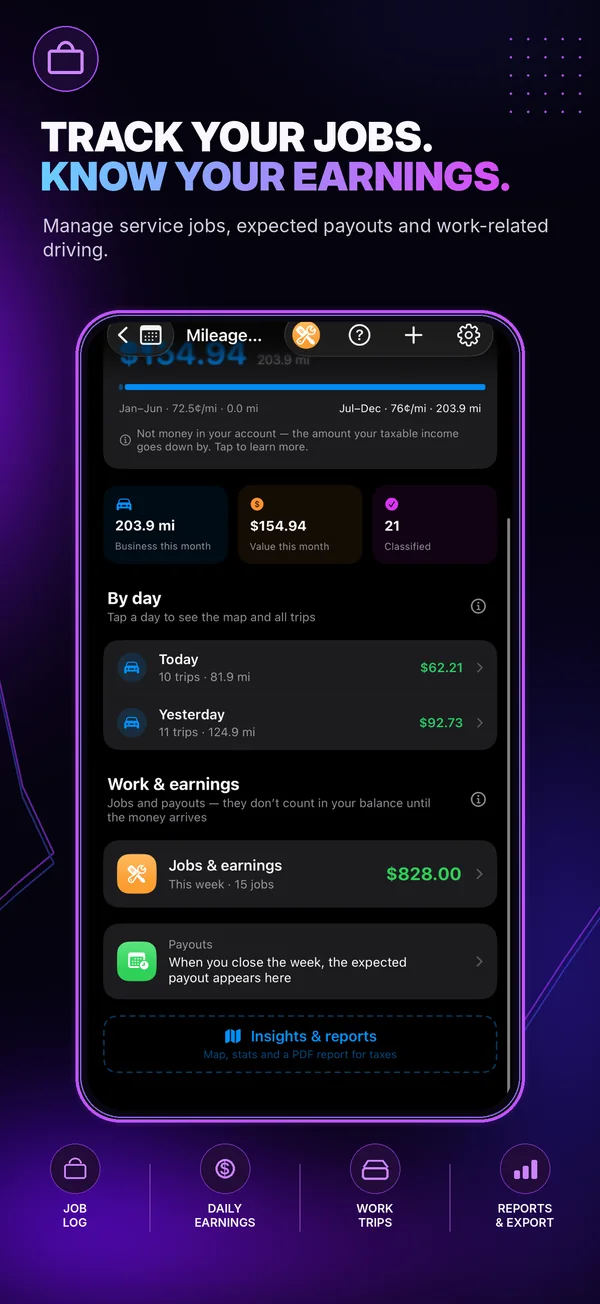
Work and earnings section showing 15 jobs and $828 this week, payouts and insights

Jobs, earnings and proof of work

Field techs and contractors can log jobs per stop, track expected payouts, and take timestamped work photos with the address burned in.

  • Job log with codes, notes and a map of every stop
  • Weekly earnings and expected payouts
  • Work Photos camera with time, date and address stamp
  • Online/offline shifts for rideshare and delivery
Personal finance

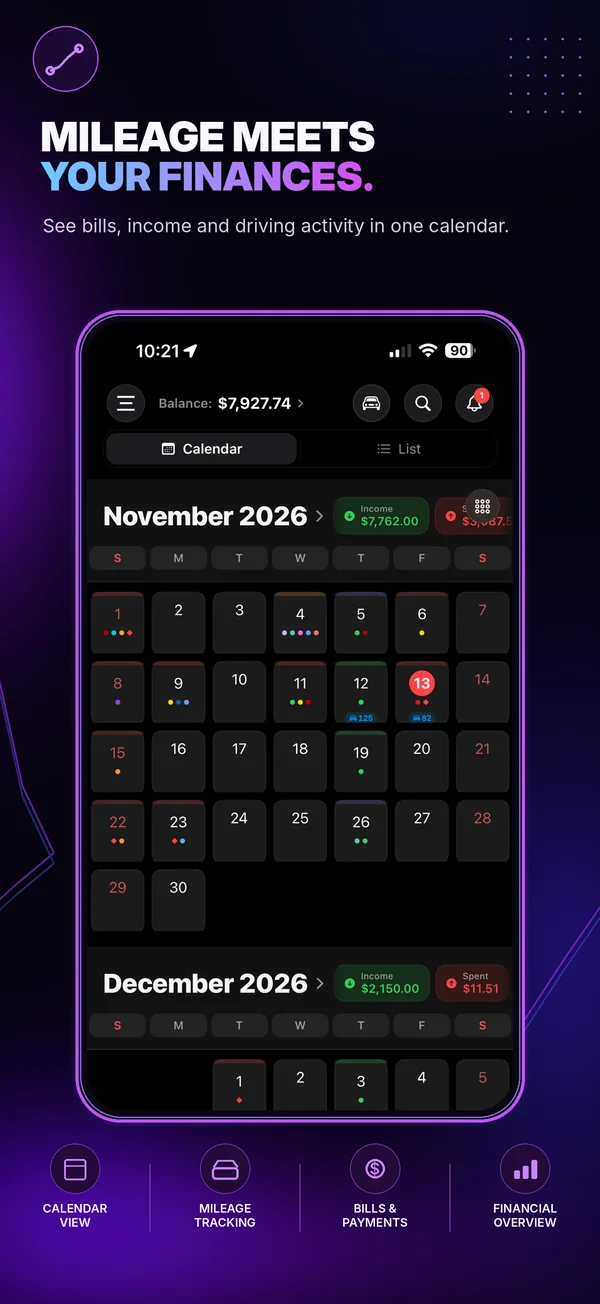
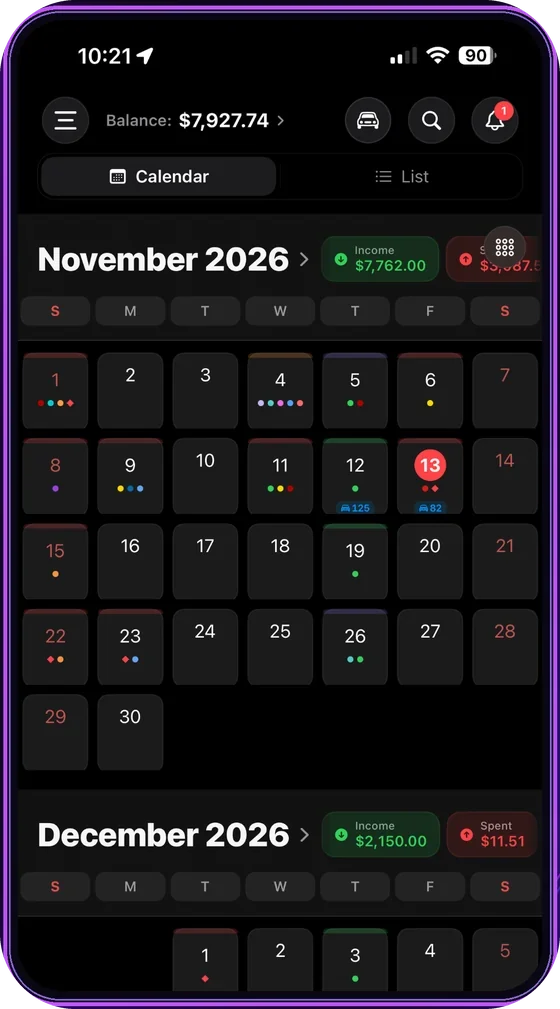
All your bills in one calendar

VaultHub started as a finance calendar — and it still is one. Every due date, every recurring charge, every payment plan, laid out by day.

Smart calendar

Income, expenses, bills and mileage on the same calendar, with monthly totals at the top.

Credit cards

Balances, limits, utilization and due-date reminders that know when you've already paid.

Installments & loans

Affirm, Klarna, auto loans, student loans and rent — progress, remaining balance and next payment.

Subscriptions

Every streaming, software and membership charge, with what you pay per month and per year.

Budgets & analytics

Category budgets, spending over time, top categories and savings rate.

Fast input

Scan receipts, share a screenshot, use Siri or the Action button — add a payment in seconds.

Take a look

Your data stays yours

No bank logins, no selling data, no ads. Transactions and trip routes live on your iPhone and sync through your own private iCloud. VaultHub works fully offline.

Questions

Does VaultHub connect to my bank?

No. VaultHub never asks for bank logins. You add transactions yourself or with quick tools like receipt scanning, Smart Input and shortcuts. Your data stays on your iPhone and in your private iCloud.

How does automatic mileage tracking work?

After you turn on auto-detect, VaultHub uses your iPhone's motion sensors to notice when you start driving, records the route with GPS, and ends the trip when you park. You then mark each trip as Business or Personal. More about the tracker.

Which IRS mileage rate does VaultHub use?

For 2026 VaultHub applies 72.5¢ per mile for January–June and 76¢ per mile from July 1, following the IRS mid-year update. Trips are valued by the date they happened.

Can I export my mileage log for taxes?

Yes. Export trips as CSV or as a PDF report with dates, miles, purpose and the estimated deduction to share with your accountant.

Does it drain my battery?

VaultHub relies on the iPhone's low-power motion coprocessor to detect driving, and turns on precise GPS only while you're actually on a trip.

Is VaultHub free?

VaultHub is free to download and use. VaultHub Pro unlocks unlimited items and advanced features — current prices are shown in the App Store.

What languages does it support?

English, Spanish, Portuguese (Brazil), French, German, Italian, Dutch, Polish, Turkish, Russian, Ukrainian, Arabic, Japanese, Korean, Vietnamese and Traditional Chinese.

VaultHub app icon

Start with today's drive.

Free on the App Store for iPhone.

Download on the App Store